19 Nov Synology NAS Ransomware: CISA Confirms Attacks, Update Now
What happened
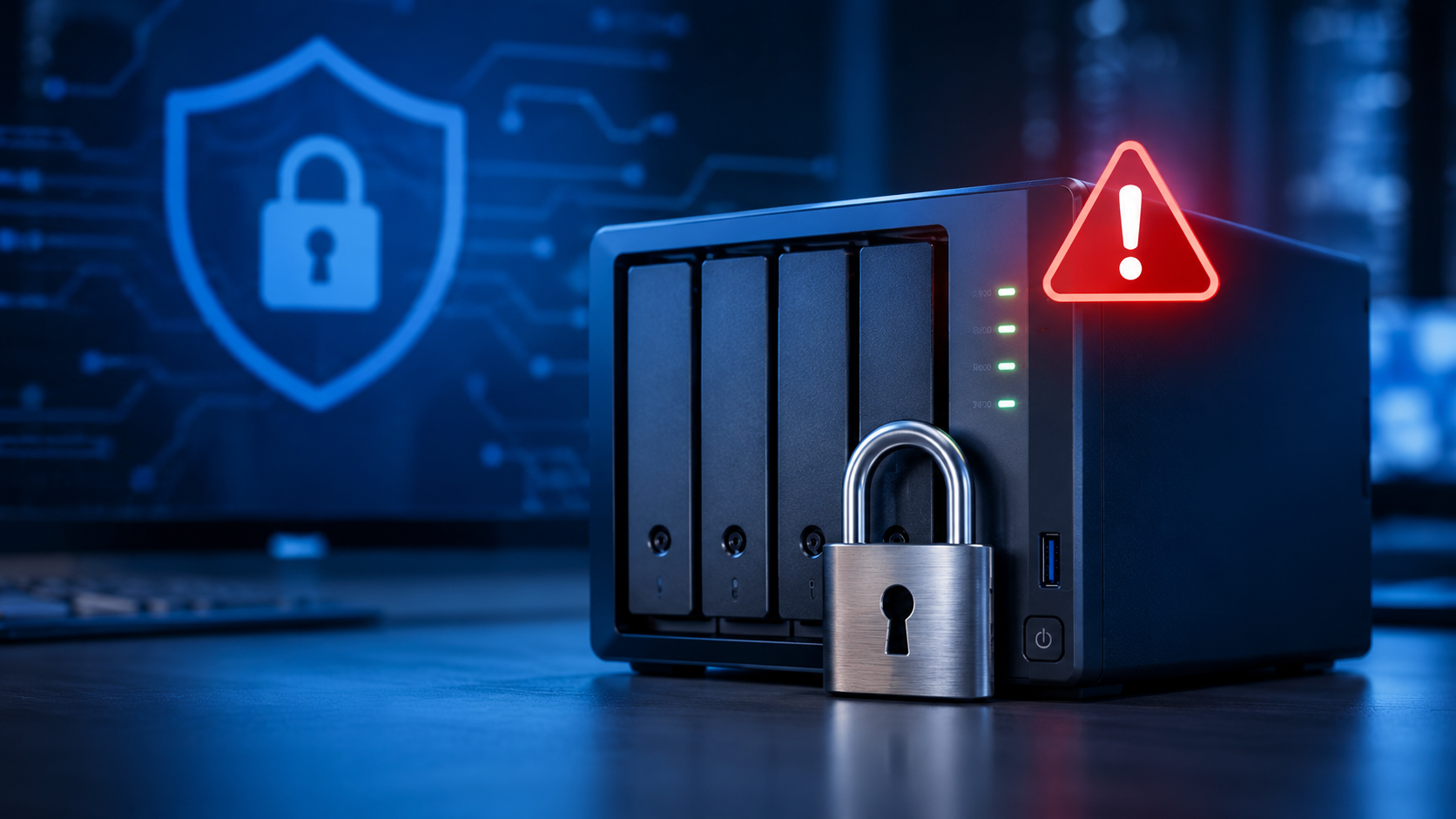
Synology makes network storage boxes (NAS) that many small offices use as a shared drive or a backup target. In late October, Synology warned customers that attackers are breaking into devices running outdated versions of its DiskStation Manager (DSM) software and encrypting the files for ransom. Synology said the flaw being used was fixed back in December 2024. Its advice was blunt: update DSM immediately and turn on automatic updates.
Victims have reported files renamed with a .L0CK3D ending and a ransom note called read-me3.txt that pushes them to buy a decryption tool on the dark web. The first reports surfaced in mid-October.
On November 18, the Cybersecurity and Infrastructure Security Agency (CISA) added CVE-2024-10441 to its list of vulnerabilities known to be exploited in real attacks. It is a critical flaw (9.8 out of 10) that can let a remote attacker run code on the device without logging in. Federal agencies have until November 21 to fix it. When CISA gives a deadline that short, every business should treat it as urgent.
Who is affected
- Synology NAS devices running DSM older than these builds: 7.2.2-72806-1, 7.2.1-69057-6, 7.2-64570-4, 7.1.1-42962-7, or 6.2.4-25556-8.
- Synology BeeStation devices older than BeeStation OS 1.1-65374.
- Highest risk: any NAS whose admin page can be reached from the internet. Security researchers track more than 380,000 Synology NAS devices exposed online.
This is not a big-company problem. The typical target is a clinic storing scanned records, an accounting firm holding client files, or a nonprofit keeping donor data on a box in the back closet. If your backups live on that same box, ransomware can take both at once. For offices across Portland, Boise and the rest of the Northwest, that closet box is very common, and it often has not been touched since it was set up.
What to do this week
- Find every Synology device. Ask your IT person, or check the server closet. Note the DSM version (Control Panel, then Info Center).
- Update DSM to the latest version for your model, then turn on automatic updates. The builds above are the minimum. Synology also fixed two more critical DSM flaws in September 2026, so go to the newest release, not just the floor.
- Take the admin page off the internet. Remove any router port forwarding to the NAS management page. If staff need remote access, use a VPN instead.
- Check your backups. Keep at least one copy off the NAS, either offline or in the cloud, and test a restore. A backup you have never restored is a guess.
- Look for warning signs. Files ending in .L0CK3D or a read-me3.txt file mean trouble. Unplug the NAS from the network, do not run recovery tools or pay, and call your IT provider. Healthcare and financial offices should also loop in counsel early, since HIPAA, the FTC Safeguards Rule, and Oregon, Idaho and Washington breach laws may require notice.
How Bytagig helps
We keep a live inventory of the devices on your network, including the ones nobody thinks about, and we patch them on a schedule. We also check what is exposed to the internet and make sure at least one backup copy lives somewhere ransomware cannot reach.
Not sure if you’re exposed?
Book a free 15-minute check
Want a quick read on your overall risk? You can also take our Cybersecurity Quiz
Sources
- CISA: CISA Adds Four Known Exploited Vulnerabilities to Catalog (Nov 18, 2026)
- Synology: Synology urges users to update DSM following ransomware attacks on outdated DSM versions
- Synology Security Advisory Synology-SA-24:20
- BleepingComputer: Synology warns of C3RB3R ransomware attacks targeting NAS devices
- The Hacker News: Synology NAS Devices Targeted in Ransomware Attacks Exploiting Patched DSM Flaw
Share this post: